That Scary “Your Data Is Exposed” Scan: 4 Signs It’s a Sales Pitch
A while back I wanted a quote on an extended warranty for my car. I clicked an ad and filled out a short quote form.
Simple, right?
Not quite. The next page said they couldn’t match me to a quote. Then it offered me something else: a free scan to see if my personal information was “exposed” online.
So I let it run.
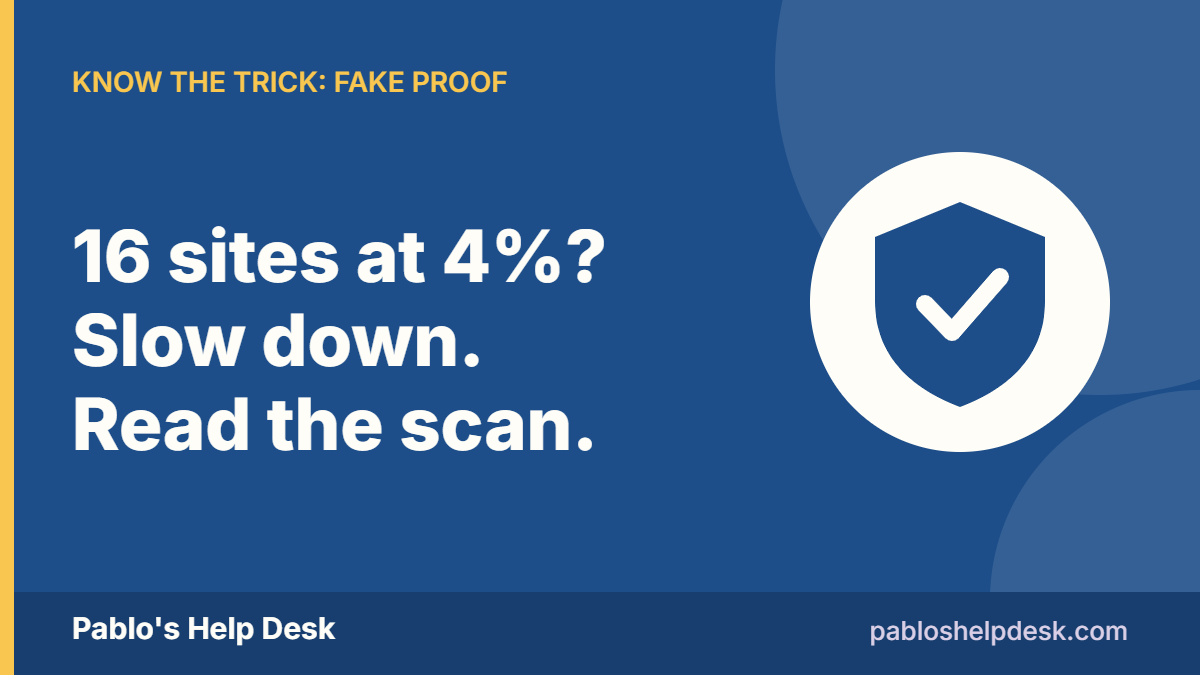
The scan was only at 4% when it told me my information was already on 16 sites. I was rated “High Risk.” And it warned me that new listings can appear anytime.
That’s meant to scare the manure out of us, and it worked. Then it tries to sell us a plan to fix it.
First step: relax, take a deep breath, and be glad we’re here.
I’m not going to name the company. This isn’t about one company. You’ll see this same kind of scan in ads, pop-ups, and emails from lots of places. So let’s learn how to read one.
Part of my “Know the Trick” series. This one: fake proof.
How it starts
It usually doesn’t start with the scan. It starts with something normal:
- A quote form for a car warranty, insurance, or a loan.
- A coupon or a sweepstakes.
- An ad that asks, “Is your information exposed?”
The FTC warns that when we share our information with sites offering coupons, sweepstakes, or quotes “for products like insurance or warranties,” the site owners might collect it and sell it to different telemarketers. (FTC)
So the quote form may be the real product. Our information is what’s being sold.
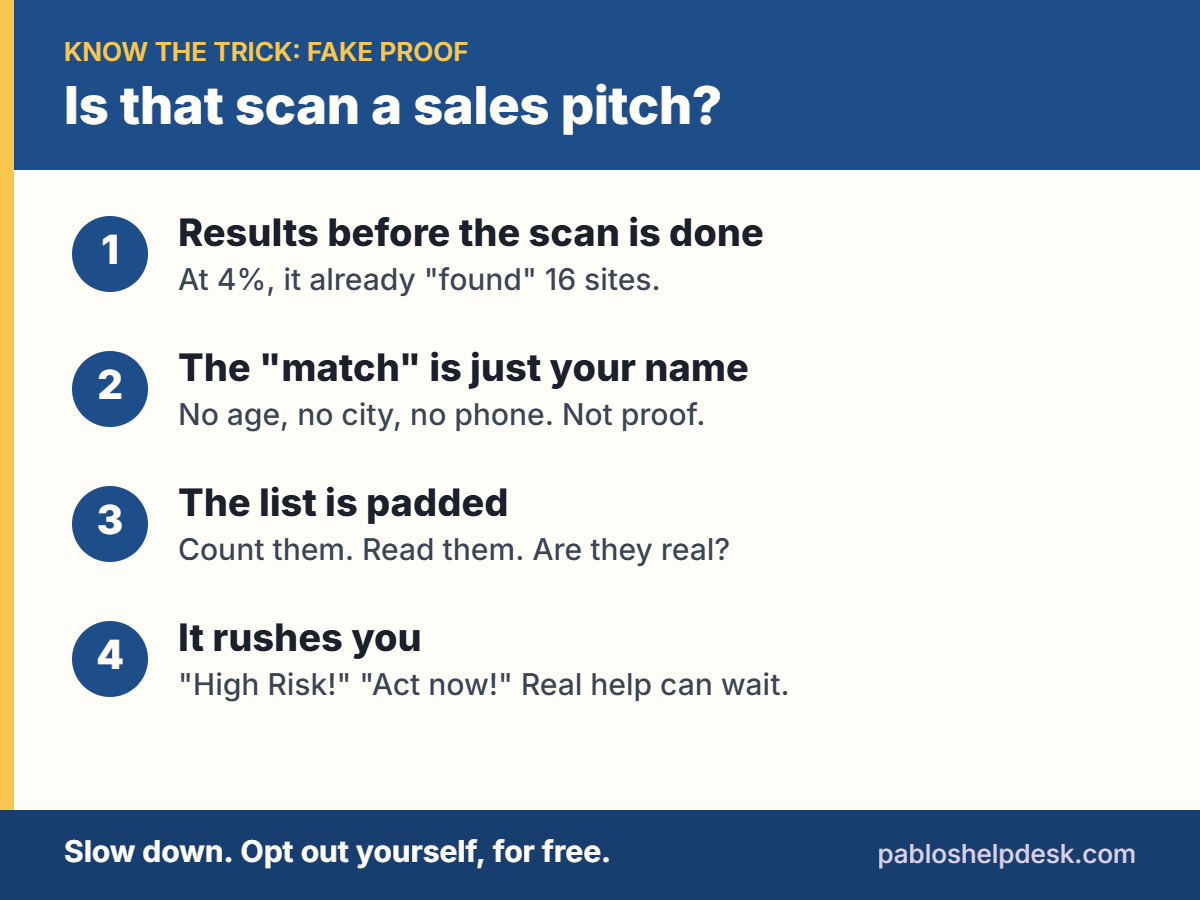
The 4 signs it’s a sales pitch, not a check-up
1. The results show up before the scan is done
My scan was at 4% and already had 16 sites. Think about that. How can it know the answer when it has barely started looking?
A real search takes time. A sales page doesn’t need to wait.
2. The “match” is just your name
Look closely at what it found. Mine matched on my name. That’s it.
No age. No city. No partial phone number. Nothing that proves it’s me and not someone else with the same name.
There are a lot of people out there with the same name as you and me. A name-only “match” proves almost nothing.
3. The list is padded
Count the sites. Then read them.
On my list, two of the “sites” were really the same company. One was LSEG, a big financial data company. The other was Refinitiv, a company LSEG bought in 2021. (The TRADE) Neither one is a people-search site where a stranger can look you up.
By my count, only six of the 16 were real people-search sites.
Six is still six. But it isn’t 16.
4. It pushes you to act right now
“High Risk.” “New listings can appear anytime.” A big red meter.
Rushing you is one of the oldest tricks there is. We see it in scam texts, scam calls, and scam pop-ups. A real check-up doesn’t need to scare you into buying today.
What’s true, and what’s hype
Here’s the honest part. You probably are on some people-search sites. Most of us are. These sites collect names, addresses, phone numbers, and relatives, and put them together in one place.
But you don’t need to panic-buy a plan to fix it.
Consumer Reports tested seven paid removal services in 2024. They checked 13 people-search sites for 32 volunteers over four months. Their headline: the services were “largely ineffective.” (Consumer Reports)
And here’s the part I like. Doing it yourself worked best. When people opted out by hand, about 70% of the profiles were gone after one week. The paid services removed anywhere from 0% to 58.7% in that same first week. (Consumer Reports)
After four months, the two best paid services were Optery (68%) and EasyOptOuts (65%). EasyOptOuts was also the cheapest, at $19.99 a year. (Consumer Reports)
So a paid service can save you time. It isn’t magic. And it isn’t an emergency.
What to do instead
1. Opt out by hand
Search your name on the people-search sites. Each one has an opt-out page, usually linked at the bottom of the site as “Do Not Sell,” “Opt Out,” or “Privacy.” Follow the steps. Write down which sites you did and the date.
One tip: use an email address you don’t mind getting junk at. Some sites send a link to confirm.
2. If you live in California, use DROP. It’s free.
California now has a free tool called DROP (the Delete Request and Opt-out Platform). You send one request, and it goes to over 600 registered data brokers. (California Privacy Protection Agency)
- It’s free. The state says, “we will never charge you to use DROP.”
- You must be a California resident.
- Brokers had to start processing requests on August 1, 2026, and must check for new requests at least every 45 days.
- It could take up to 90 days to see your status updated.
Sign up at privacy.ca.gov/drop. (California Privacy Protection Agency)
If you live somewhere else, check whether your state has passed a law like this. Consumer Reports is pushing other states to follow California’s lead. (Consumer Reports)
3. Put your number on the Do Not Call list
Go to DoNotCall.gov. It’s free, and your registration never expires. It can take up to 31 days for sales calls to stop. (FTC)
But let me state: the list won’t stop every call. Companies can still call you if you’ve recently done business with them. (FTC) And crooks don’t follow the rules anyway.
4. Expect calls after any quote form
If you filled out a quote form online, don’t be surprised when the phone starts ringing. That’s how these forms make money.
When a car warranty call comes in, the FTC says: (FTC)
- Hang up. Don’t engage with a company that reaches you with an illegal call.
- Think about a call-blocking app or device.
- Report the robocall at DoNotCall.gov.
And if you really do want an extended warranty, get the coverage terms in writing before you pay a dime. The FTC says, “Few auto service contracts cover all repairs and maintenance.” Search the company’s name with “review” or “complaint” first. (FTC)
5. Check the site before you type
Before you fill out any form, the FTC says to search the site’s name plus “complaint,” “review,” or “scam.” (FTC) It takes 30 seconds.
Got a scary phone call that sounds like a family member asking for money? Read my post on AI voice-cloning scams and the family code word. And if a warning ever pops up on your computer screen, here’s what to do about a tech support pop-up.
The bottom line
The next time a free scan says you’re at “High Risk,” slow down and ask four questions:
- Did the results show up before the scan was done?
- Does the “match” prove it’s really me, or is it just my name?
- How many of these are real people-search sites?
- Is it rushing me to buy today?
You’re probably on a few people-search sites. Most of us are. You can fix that yourself, for free, at your own pace.
A scan that scares you into buying isn’t a check-up. It’s a sales pitch.
Thanks,
Pablo
This article is for general information only. It isn’t legal or financial advice.
Free · 2 pages · Print it
Get The Scam-Proof Checklist
10 plain-English rules that stop most scams cold, plus what to do if one already got through. Keep it by the phone. I’ll also send you new posts when they come out.
No spam. We never sell or share your email. Unsubscribe any time with one click. Privacy